Splitwise made "who owes whom" easy, and for trips and group dinners it is still a popular choice. But many people search for a Splitwise alternative for one simple reason: it tracks the money you share, not the money you spend. You end up with one app for splitting and another, or a spreadsheet, for your own budget. This guide explains what to look for in an alternative and when switching makes sense.
What Splitwise does well
- Recording shared expenses in groups
- Equal and custom splits
- Simplifying debts so a group needs fewer payments
- Friends and groups across different countries
If those are all you need, it may be enough. Check its current free-plan terms, which have changed over time, before deciding.
Why people look for an alternative
- Two apps for one wallet. Your personal spending, budgets and monthly reports live somewhere else.
- Households are not trips. Families and flatmates share daily costs every month, not one holiday a year. They need budgets and category reports, not just balances.
- Free-plan limits. Some users want a free option without daily caps.
- Language. Families may want the app in Hindi as well as English.
What to look for in a Splitwise alternative
- Personal and shared spending in one place. A group expense should also count in your own monthly picture.
- Debt simplification. The app should show the fewest payments to settle a group.
- Split types you need. Equal splits cover most homes and trips. If you need percentages or exact amounts per person, check for that specifically.
- Budgets and reports. Category limits and monthly totals, not just balances.
- Offline use. Trips often mean poor signal.
- Privacy. No bank login required, and encrypted backup.
Shared spending vs personal spending: why it matters
Picture a month with a flat group and a trip. You paid ₹2,400 for groceries in the flat and ₹6,000 for the trip hotel, and you owe a friend ₹1,800 for cabs. A pure splitting app tells you the balance. It does not tell you how much you spent on food this month, whether you stayed within budget, or how this month compares with the last one. That is the gap an expense tracker with groups fills: your share of shared costs and your personal spending end up in one monthly picture.
How debt simplification works
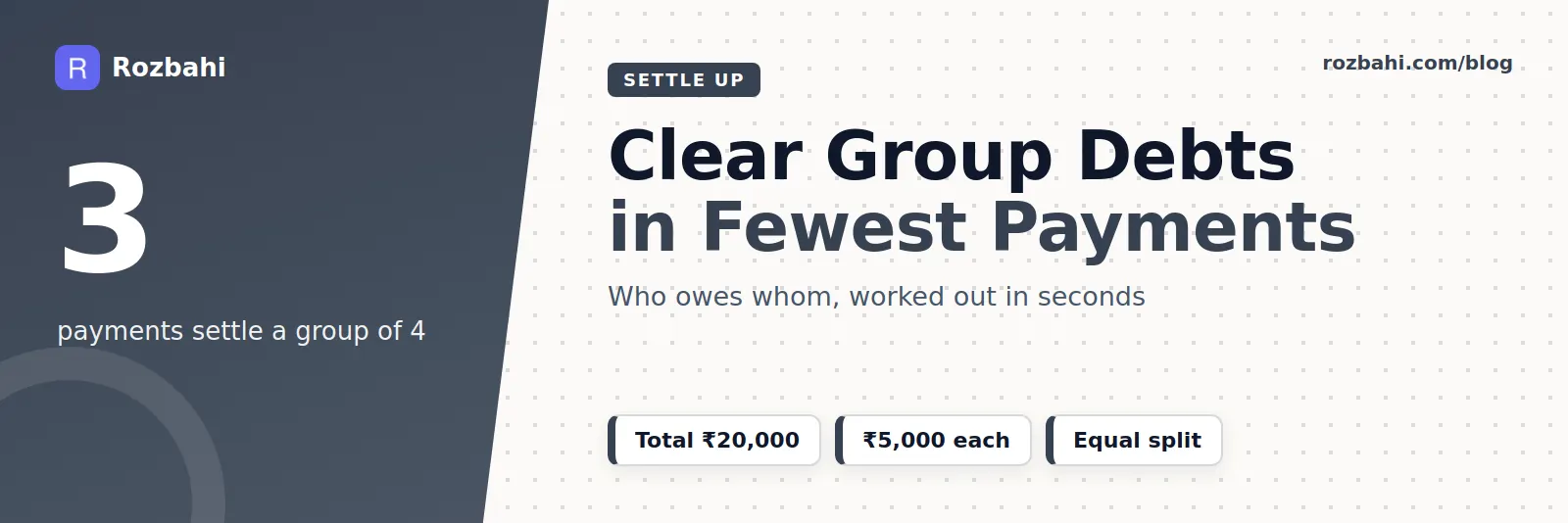
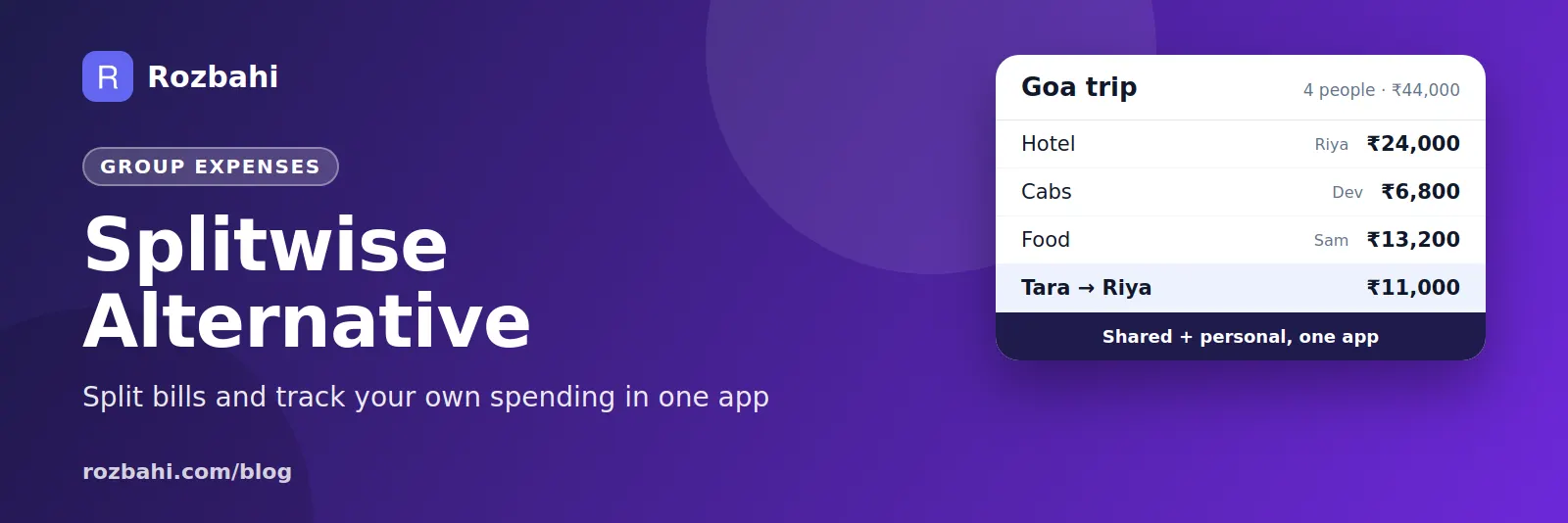
In a group of four, if everyone settles with everyone, there can be up to six payments. Debt simplification reduces that. The app works out each person's net balance — how much they paid minus their fair share — and then matches the people who owe with the people who are owed, largest amounts first. A trip where Riya paid ₹24,000, Dev ₹6,800, Sam ₹13,200 and Tara nothing, split four ways at ₹11,000 each, needs only three payments: Tara pays Riya ₹11,000, Dev pays Riya ₹2,000 and Dev pays Sam ₹2,200.
Switching apps without losing history
- Settle everything in your current app so all balances are zero.
- Export your history if the app allows it, and keep the file for your records.
- Start fresh in the new app at the beginning of a month, with the same group members.
- Tell the group the date from which new expenses go into the new app, so nothing is logged twice.
When a dedicated splitter is still the right tool
Be honest about your needs. If your group splits most bills unequally — one person never drinks, another skips half the meals — or you travel across countries and pay in several currencies, a dedicated bill splitter handles those cases better. If your group mostly shares costs equally and you also want budgets and reports, one app with both is simpler.
Common splitting situations and how to handle them
- Flatmates sharing bills and groceries: one group, equal split, monthly settle-up.
- A couple sharing household costs: a two-person group for the house; personal spending stays personal.
- Siblings sharing a parent's expenses: a group for medicines, help at home and bills, settled monthly.
- A weekend trip with friends: a trip group, settled on the way home.
- Office lunches: often easier to pay individually than to track at all.
Tips for fair, friendly splitting
- Log on the day you pay, with a short note anyone can understand.
- Settle on a fixed schedule: monthly for homes, at the end for trips.
- Agree exceptions upfront. If someone is away for half the month, decide before, not after.
- Keep big purchases separate and agree them in advance.
- Use the fewest payments. Netting balances avoids a chain of small transfers.
What "free" really means
Most splitting and tracking apps have a free version and a paid tier. Before choosing, check three things: whether the free version limits how many expenses you can add, whether your group members need to pay too, and which features you would actually miss. In Rozbahi, logging, budgets, reports and one group are free; Plus adds advanced trends, PDF/Excel export and more groups, and you can also unlock these by inviting a friend.
A quick decision guide
Ask three questions. Do we mostly split equally? Do we share costs every month rather than once in a while? Do I also want to track my own budget? If the answer to all three is yes, an expense tracker with groups is the simpler choice. If you answered no to the first, a dedicated splitter with custom shares is the better fit.
Whichever you pick, try it for a full month with your real group before deciding. The right tool is the one everyone in the group keeps using without being reminded.
Rozbahi as a Splitwise alternative
Rozbahi is an expense tracker first, with groups built in. That makes it a good fit for families and flatmates who want one app for everything:
- Groups with an invite code: create a group for your home, flat or trip and share the 6-letter code.
- Settle up with the fewest payments: Rozbahi works out each member's balance and the minimum set of payments.
- Your own spending too: personal expenses, budgets, recurring bills and monthly reports in the same app.
- Works offline and syncs later.
- English and Hindi.
Where Splitwise is stronger: Rozbahi splits group spending equally between members and settles month by month. If you need custom shares per expense (for example 60/40, or by item), or multiple currencies on one trip, Splitwise or a similar dedicated splitter is the better tool today.
Which should you choose?
- Mostly trips with friends in different countries: a dedicated bill splitter.
- A family or flat sharing daily costs, and you also want your own budget: an expense tracker with groups, like Rozbahi.
For a step-by-step method, see how to split expenses with roommates fairly, and for the bigger picture, our expense tracker app comparison.
Frequently asked questions
Is there a free app like Splitwise?
Yes. Several apps offer group splitting for free. Rozbahi includes one group for free, with personal tracking, budgets and reports. Extra groups come with Plus, or by inviting a friend.
Can I track personal expenses and shared expenses in one app?
Yes, with an expense tracker that has groups. Shared expenses go to the group; everything else stays personal.
Does Rozbahi support unequal splits?
Not today. Group spending is split equally between members.
Try it with your flat or family: download Rozbahi.
Go deeper: Guide: split expenses with flatmates · Feature: split expenses