UPI changed how India pays. A scan at the chai stall, ₹40 for an auto, ₹289 at the kirana store: no change, no wallet, no friction. That convenience is exactly why UPI spending is so hard to control. Small payments feel like nothing, and twenty of them a week can quietly become several thousand rupees a month. This guide shows how to track UPI payments so you can see, and decide, where the money goes.
Why UPI spending is easy to lose track of
- No physical signal. Cash leaving your hand feels like spending; a scan does not.
- Many apps. GPay, PhonePe, Paytm and your bank app each show only part of the picture.
- Unclear names. The history shows a merchant ID or a person's name, not "vegetables" or "lunch".
- Tiny amounts. Payments under ₹100 rarely feel worth checking.
Why your UPI history is not a budget
Your bank statement and UPI apps tell you who you paid. They do not tell you what for, they do not add up spending by category, and they miss cash completely. To control spending you need three things the history does not give you: categories, a monthly total per category, and a comparison with last month.
A simple system to track UPI payments
- Log it right after you scan. Amount, category and, if useful, the shop name. Ten seconds.
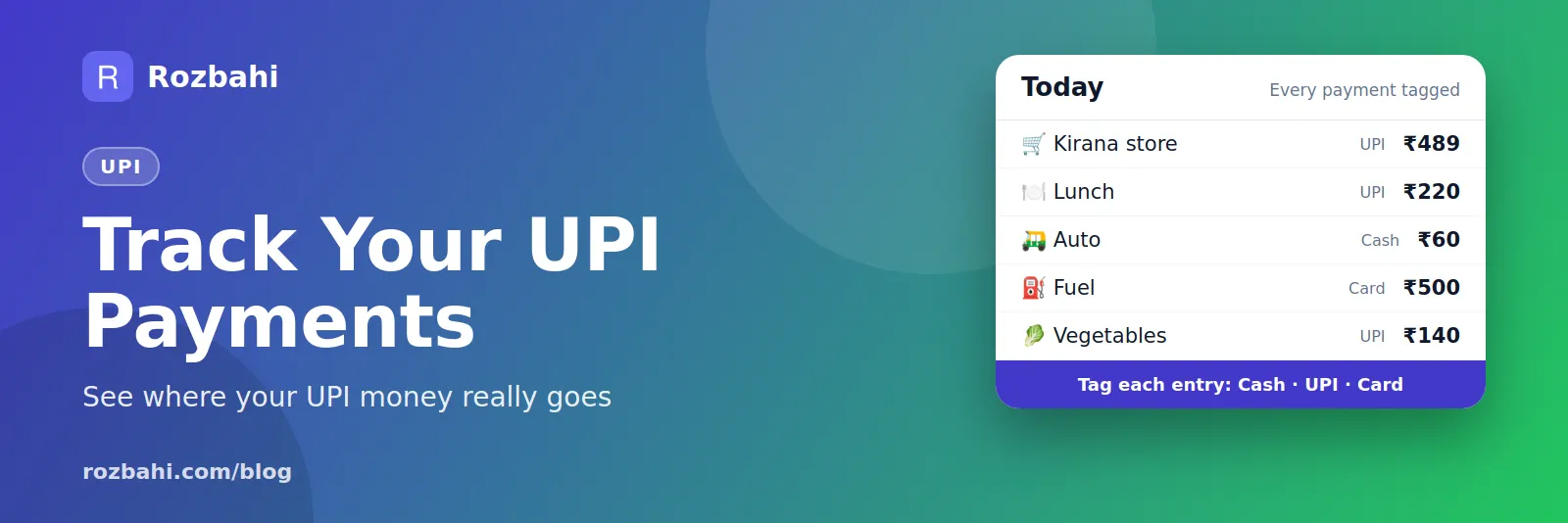
- Tag it as UPI. Mark every entry as UPI, cash or card so your record is complete across all three.
- Use templates for repeat payments: daily milk, the auto to the station, lunch near the office.
- Weekly catch-up: open your UPI apps once a week and add anything you missed.
- Monthly review: top categories, top shops and the change from last month.
Ways to spend less with UPI
- Set category budgets for the areas where UPI spending grows fastest, usually food delivery, snacks and shopping. See our household budget guide.
- Watch your top shops. If one store or app appears every day, that is where to cut.
- Add a one-day pause before online purchases above an amount you choose.
- Turn subscriptions into recurring bills so they stay visible; see the bill reminder guide.
Where UPI spending usually hides
When people start tracking, the same few areas show up again and again:
- Food delivery and snacks: many small orders that each feel minor.
- Quick-commerce top-ups: "just one item" orders that add a delivery fee each time.
- Chai, coffee and street food: ₹20 to ₹150, several times a day.
- Autos and cabs for short distances.
- Online shopping paid by UPI at checkout.
- Recharges and small subscriptions that renew without much thought.
A month of UPI spending, tracked
Here is what one person found after tracking every UPI payment for a month:
- Groceries and kirana: ₹4,820 across 14 payments
- Food delivery and eating out: ₹3,140 across 11 payments
- Autos, cabs and metro: ₹2,250 across 18 payments
- Chai, snacks and coffee: ₹1,860 across 41 payments
- Shopping: ₹1,750 across 3 payments
The 41 snack payments were the eye-opener: no single one was memorable, but together they were bigger than shopping. Cutting them in half saves over ₹900 a month without changing anything important.
UPI safety habits
Tracking also helps you spot problems early. A few habits worth adding:
- Never enter your UPI PIN to receive money. A PIN is only for paying.
- Check the payee name before confirming, especially when scanning a QR code.
- Review your UPI history weekly while catching up on your tracker; anything you do not recognise is worth reporting to your bank quickly.
- Do not share screenshots of payment details or your UPI ID in public groups.
Cash still matters
Even heavy UPI users spend some cash: the milkman, a small vegetable seller, a tip, a temple donation. If you only track UPI, those payments disappear from your picture. Tag every entry with how you paid, and your monthly total covers everything, whatever the method.
A 30-day UPI challenge
If you want to see quick results, try this for one month:
- Week 1 — just log. Record every UPI payment the moment you pay. Do not change anything yet.
- Week 2 — find the leak. Look at the category with the most payments, not the most money. That is usually the habit to change.
- Week 3 — set one limit. Give that category a monthly budget, and check it every few days.
- Week 4 — review. Compare the month with your first week. Most people find a saving of a few hundred to a few thousand rupees without feeling deprived.
UPI for families
When several family members pay by UPI for the same household — one person on kirana, another on bills, another on the doodhwala — each UPI history shows only one part. Adding these payments to a shared family group brings them together, so the household sees one monthly total and one breakdown by category, whichever phone made the payment.
Small changes that add up
- Make a weekly kirana list and buy once, instead of several quick-commerce orders.
- Set a daily limit for snacks and chai, and log every one.
- Pay for recurring things in advance where it is cheaper, such as an annual mobile plan.
- Check your top shops each month and ask whether each one is worth it.
Quick summary
UPI makes paying effortless, so tracking has to be just as easy. Log each payment within a minute with a category, tag it as UPI, cash or card, use templates for daily payments, catch up from your UPI apps once a week, and set a budget for the one category that grows fastest. After one month you will know exactly where your UPI money goes, and where it does not need to go.
Track for one month before changing anything. The numbers usually point to the change that matters most.
How to do this in Rozbahi
- Quick add after each scan in Rozbahi: amount, category, optional shop name and payment method UPI.
- Templates turn daily UPI payments into one-tap entries.
- Budgets per category show how much of each limit is used this month.
- The monthly report shows spending by category and by day, your top shops, your daily average and the change from last month.
- Cash and card go in the same place, so your total is the real total, not just the UPI part.
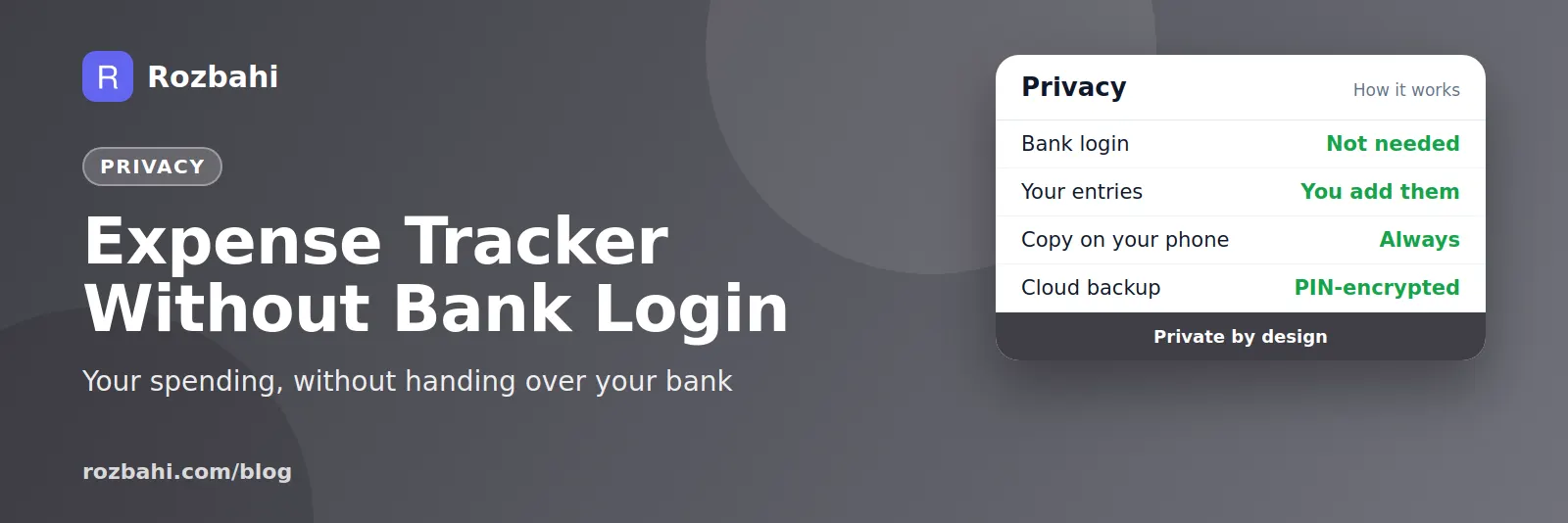
Rozbahi does not read your UPI or bank apps, and never asks for a bank login. You add each payment yourself, which takes a few seconds and keeps every rupee in view.
Frequently asked questions
Can an app track my UPI payments automatically?
Some apps read SMS or link to your bank. Rozbahi does not; you add payments yourself in a few taps. Many people find this makes them more aware of each spend.
How do I see how much I spend on UPI each month?
Log every UPI payment in one tracker with a category, then check the monthly report. Tagging the payment method keeps the record complete alongside cash and card.
Why do small UPI payments matter?
₹50 three times a day is ₹4,500 a month. Small, frequent payments are usually where the easiest savings are.
See where your UPI money goes: download Rozbahi.
Go deeper: Guide: how to track daily expenses · Feature: daily expense tracker