A missed bill rarely happens because you did not have the money. It happens because the due date slipped past while life was busy. Late fees, a disconnected internet line or a lapsed insurance policy all cost more than the bill itself. A bill reminder app, or at least a simple bill system, makes due dates impossible to forget.
Step 1: List every recurring bill
Go through two months of bank, card and UPI history and write down everything that repeats:
- Monthly: rent, home or car loan EMI, electricity, water, gas, internet, mobile, maid, school transport, subscriptions
- Quarterly or yearly: insurance premiums, school fees, property tax, domain or software renewals, memberships
- Odd cycles: a gas cylinder every 45 days, or a water can every 10 days
For each one, note the amount, the due date and how you pay.
Step 2: Give each bill a repeat cycle
Daily, weekly, monthly, yearly, or a custom number of days. Monthly bills should repeat on the same day each month. If the due date is the 31st, a good app moves it to the last day in shorter months.
Step 3: Decide what happens on the due date
There are two useful modes:
- Automatic: the expense is added on the due date. Good for amounts that never change, like rent or a fixed EMI.
- Confirm: the app asks you to confirm, so you can adjust the amount. Good for electricity or anything that varies.
Step 4: Handle changes without breaking the plan
- Skip a month you do not pay (a holiday month for the maid, for example) without deleting the bill.
- Pause a bill while you are away and resume it later.
- Edit the amount when a price changes.
Step 5: Review upcoming bills weekly
A quick look at the next 30 days, every Sunday, prevents surprises and helps you keep enough money in the account that pays them. Add the monthly total of your bills to your household budget as fixed costs.
Tips to avoid late fees
- Ask your bank or biller to move due dates close to your salary day.
- Use autopay for fixed bills, but still record them so your spending totals are complete.
- Cancel subscriptions you have not used for 30 days.
- Keep one month of bills as a buffer in your main account.
A sample bill calendar
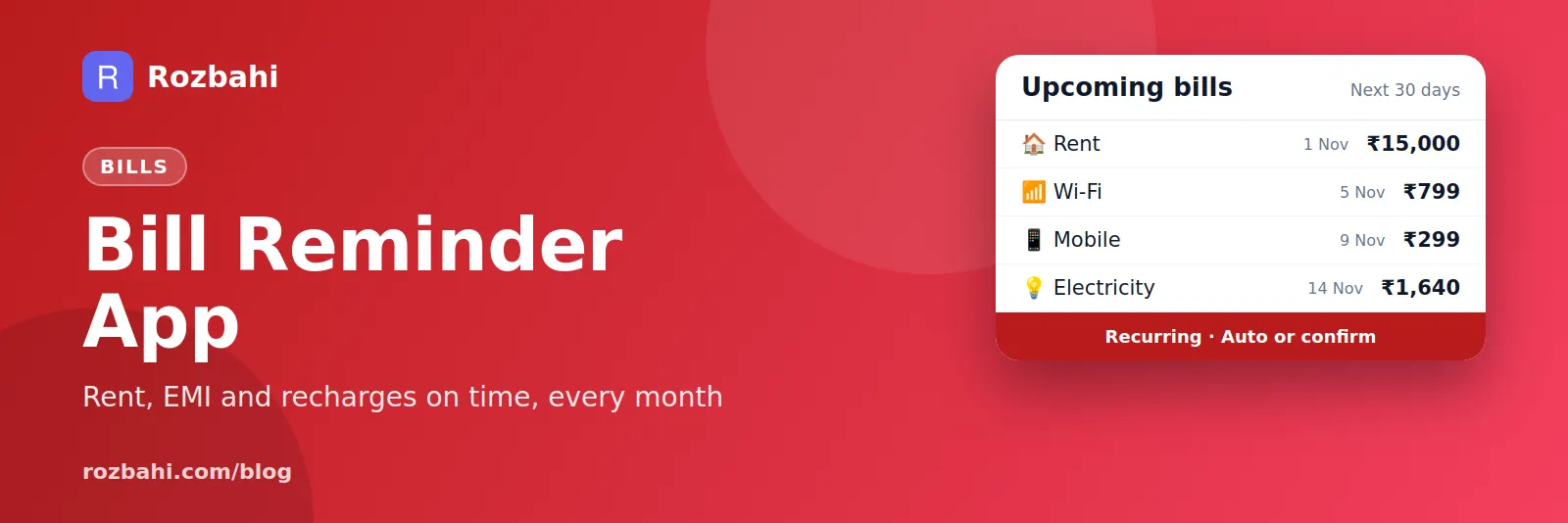
Laying bills out by date shows when money leaves your account, and helps you avoid a week where everything is due at once:
- 1st: rent ₹15,000
- 5th: internet ₹799, home loan EMI ₹12,400
- 9th: mobile recharge ₹299
- 10th: school transport ₹2,000
- 14th: electricity (varies, about ₹1,600)
- Every 45 days: gas cylinder ₹900
- Every year in March: health insurance ₹18,000
Seen this way, the first ten days of the month carry most of the load. If salary arrives on the 1st, that is fine. If it arrives on the 7th, the rent and EMI dates are worth moving.
Bills people forget most often
- Annual renewals: insurance, vehicle insurance, domain names, software licences, memberships.
- Free trials that turn into paid subscriptions.
- Quarterly bills: property tax, society maintenance in some buildings, school term fees.
- Odd cycles: gas cylinders, water cans, prepaid electricity top-ups.
- Bills paid by someone else in the family — until that person is away.
Autopay: when to use it and when not to
Autopay is great for fixed amounts you would never skip: rent, EMIs, insurance. Be careful with variable bills and subscriptions. A higher-than-usual electricity bill or a price rise on a streaming plan goes through without you noticing, and cancelling a subscription is easy to forget when payment happens on its own. A good rule: use autopay for anything fixed, and still record every bill in your tracker so you see every price change.
What late payment really costs
A missed bill costs more than the late fee. Missed card or loan payments can hurt your credit score for years. Disconnected services often need a reconnection charge. Lapsed insurance can mean a new waiting period. A simple bill list is one of the cheapest ways to protect yourself from all of this.
Variable bills: electricity, water and gas
Variable bills need a little more care because the amount changes every month. Record them with confirm mode, so the tracker asks you for the actual amount on the due date instead of guessing. After a few months, your reports show the pattern — for example, electricity rising every summer — and you can set aside more in the months you know will be expensive.
Subscriptions are bills too
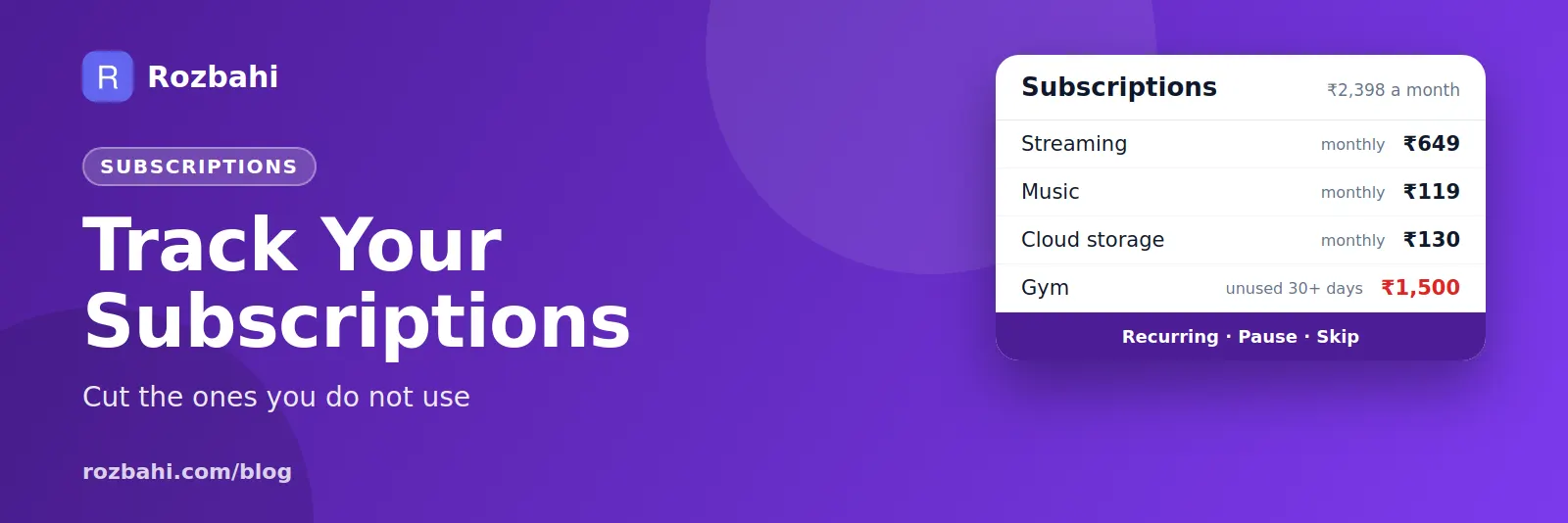
Streaming services, music, cloud storage, apps and gym memberships are small monthly bills that are easy to forget, because they are usually charged automatically. Add every one of them as a recurring bill. Once a quarter, look at the list and ask a simple question for each: did I use this in the last month? Cancel anything that gets a "no".
A 15-minute bill setup
- Minutes 1–5: scroll through two months of bank, card and UPI history and write down every repeating payment.
- Minutes 6–12: add each one as a recurring bill with its amount, due date and cycle.
- Minutes 13–15: mark fixed ones as automatic and variable ones as confirm, and look at the upcoming list.
Fifteen minutes once, and every bill is in view for the rest of the year.
Bills in a shared home
When flatmates or family share bills, decide who pays each one and add it once, by that person, so it is never counted twice. If the bill is shared, add it to the shared group so each person's share is included in the monthly settle-up. Everyone can then see what is due next, and nobody is left wondering whether the internet bill was paid.
Do this setup once, review the upcoming list every Sunday, and late fees become a thing of the past. The time it saves at month end is a bonus.
If you share a home, settle shared bills on the same day every month so the bill list and the settle-up stay in step.
How to do this in Rozbahi
- Add a recurring bill in Rozbahi: name, amount, category, payment method, first due date and cycle (daily, weekly, monthly, yearly or every N days).
- Choose auto or confirm. In auto mode Rozbahi adds the expense on the due date; in confirm mode it asks you first.
- See what is coming next: bills are listed by their next due date.
- Skip, pause or resume any bill in one tap. Skipping moves it to the next cycle.
- Everything counts in your reports and budgets, so your monthly totals include every bill.
Frequently asked questions
What is the best way to keep track of bills?
One list with every bill's amount, due date and repeat cycle, in an app you open daily, plus a quick weekly look at what is due next.
Should I use autopay or a reminder?
Both. Autopay prevents late payments; recording the bill in your tracker keeps your spending picture complete and helps you notice price increases.
How do I track bills that are not monthly?
Use a yearly cycle for annual bills, or a custom cycle in days, for example every 45 days for a gas cylinder.
Never miss another due date: download Rozbahi and add your first recurring bill.
Go deeper: Guide: how to track daily expenses · Feature: daily expense tracker