Many budgeting apps start by asking for your bank login. For some people that is fine. For many others it is a deal-breaker: they do not want a third party reading every transaction, or their bank is not supported, or most of their spending is cash and UPI that bank feeds miss anyway. The good news is that you do not need bank linking to understand your money. An expense tracker without bank account access can be just as useful — and often more.
Why people avoid bank-linked budgeting apps
- Privacy. A linked app can see every payment, salary credit and balance. That is a lot of personal information in one more place.
- Security. Every extra connection to your bank is one more thing that could be misused or breached.
- Coverage. Many banks and countries have limited or no support for these connections, and connections break when banks change their systems.
- Cash and UPI. Cash spending never appears in a bank feed, and UPI payments often show up with unclear merchant names.
- Messy data. Imported transactions need cleaning: transfers between your own accounts, refunds, duplicates and wrong categories.
- Cost. Bank-sync apps usually need a paid subscription to cover the data connection.
The hidden benefit of manual tracking
Typing an expense yourself takes a few seconds, and those seconds matter. Each entry is a small moment of awareness: "this coffee was ₹180". Many people find that when they record spending by hand, they notice it more and spend more deliberately. Automatic imports are convenient, but they can make spending invisible again.
Is a manual tracker more private?
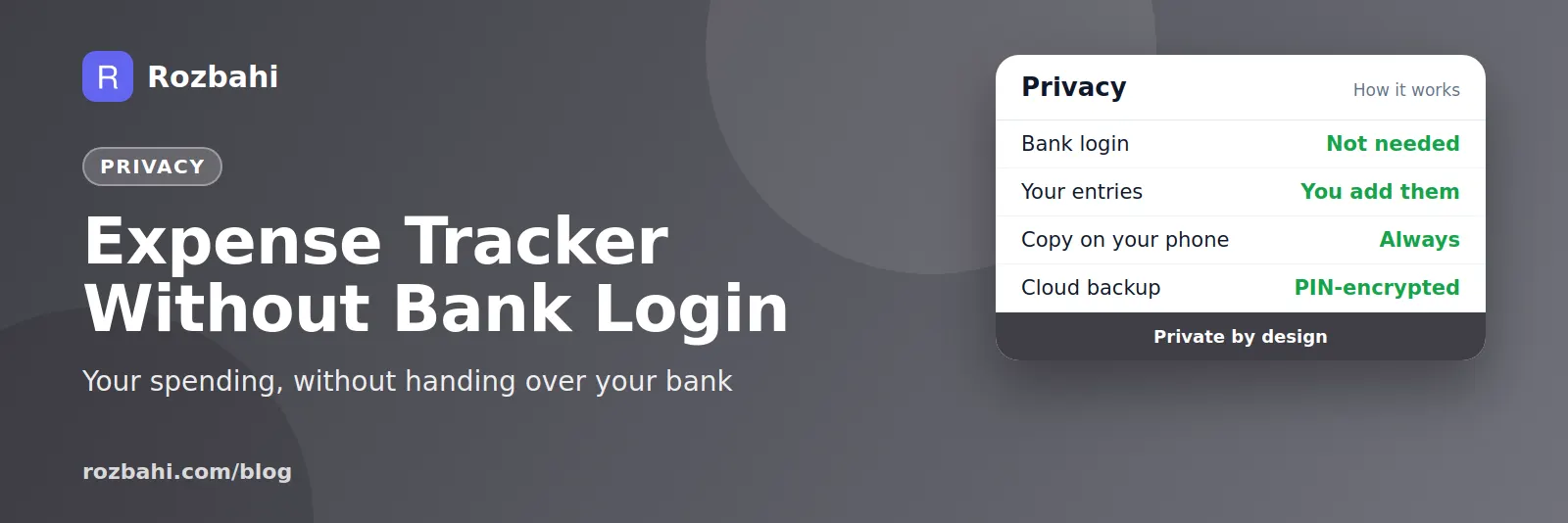
A manual tracker only knows what you choose to tell it: an amount, a category, perhaps a short note. It never sees your account numbers, balances or salary. Ask three questions of any app you consider:
- What does it collect? Look for a short, clear privacy policy.
- Where is the data stored? A copy on your phone is good for both speed and privacy.
- How is the backup protected? The best option is a backup encrypted on your phone with a key only you know, before it is uploaded.
How to make manual tracking effortless
The only real downside of a manual tracker is effort. These habits bring it close to zero:
- Log right after paying, while the phone is still in your hand.
- Use templates for daily spends like milk, bus fare or lunch — one tap instead of typing.
- Put fixed bills on repeat so rent and subscriptions add themselves.
- Keep categories few, ten to fifteen, so choosing is instant.
- Catch up weekly from your UPI and bank apps for anything you missed. You read your bank app; you do not give access to it.
Our guide on how to track daily expenses turns this into a two-minute daily routine.
Manual vs bank-linked: an honest comparison
- Effort: bank-linked is lower day to day, but needs regular clean-up; manual needs a few seconds per spend.
- Accuracy: manual is as accurate as your habit; bank-linked misses cash and can duplicate or mislabel entries.
- Privacy: manual shares only what you type; bank-linked shares your full transaction history.
- Awareness: manual makes you notice spending; bank-linked can hide it.
- Availability: manual works everywhere; bank-linked depends on your bank and country.
If you pay almost everything by card and value automation over privacy, a bank-linked app can suit you. For cash, UPI and privacy-minded households, manual wins.
Protecting your money data
Whatever app you use, a few habits keep your information safe:
- Lock your phone with a PIN, fingerprint or face unlock.
- Never share OTPs or UPI PINs, with anyone, for any reason. No genuine app or bank will ask for them.
- Use encrypted backups and keep your backup PIN somewhere safe; without it, an encrypted backup cannot be opened, even by the app maker.
- Keep the app updated for security fixes.
- Delete your account when you stop using an app, so your data does not sit on a server you no longer need.
A week of manual tracking, start to finish
Here is what manual tracking looks like in practice for someone who pays with a mix of cash, UPI and card:
- Every morning: the milk template adds ₹66 with one tap.
- On the way to work: a ₹40 bus fare from the "Bus" template.
- Lunch: ₹180 by UPI, typed while waiting for the bill — eight seconds.
- Evening: vegetables ₹140 in cash, logged at the stall.
- Weekend: a supermarket trip (₹2,300 by card) and a dinner out (₹1,400 by UPI).
- Sunday review: five minutes scrolling UPI history finds one missed ₹299 recharge. Added.
Total effort for the week: under ten minutes. Total bank access given to any app: none.
What you give up — and what you do not
Without bank linking you give up one thing: automatic import. You keep everything else that makes a tracker useful — categories, monthly totals, budgets per category, recurring bills, comparison with last month, family sharing and export. For many people the trade is easily worth it, because the automatic import never covered their cash spending in the first place.
Who should choose a manual tracker
- Cash and UPI spenders, whose money mostly moves outside bank card feeds.
- Privacy-minded people who do not want a third party reading their accounts.
- Families, where several people's spending from different banks needs to come together.
- People in countries or banks without reliable bank-sync support.
- Anyone who wants to spend more mindfully, since logging each spend builds awareness.
The bottom line
You can understand your money without giving any app the keys to your bank. A few seconds per expense, templates for the daily items and a weekly catch-up give you complete, private records — including the cash spending that bank feeds never see.
Start today: log your next five expenses by hand and see how little time it takes.
How to do this in Rozbahi
- No bank login, ever. Rozbahi signs you in with your phone number and never asks for bank access.
- Quick add and templates make each entry a few seconds, with categories ready from the start.
- Your phone keeps a full copy and works offline; changes sync when you are online.
- Encrypted backup: backups you create in the app are encrypted on your phone with your own PIN before upload.
- Cash, UPI and card are all tracked in one place.
- Delete your account from Settings at any time; your data is removed from the server.
Frequently asked questions
Can I track expenses without linking my bank?
Yes. Manual expense trackers let you record spending yourself, with categories, budgets and reports, without any bank connection.
Is manual tracking too much work?
With templates and recurring bills, most daily entries take one tap or a few seconds. The weekly catch-up from your UPI history takes about five minutes.
What happens to my data if I lose my phone?
Data that has synced is safe in your account and comes back when you sign in on a new phone. Encrypted backups can be restored with your PIN.
Are bank-linked apps unsafe?
Not necessarily; reputable ones use secure connections. The question is whether you want to share that much access. A manual tracker gives you the same insight with less exposure.
Track privately: download Rozbahi — no bank login needed.
Go deeper: Guide: how to track daily expenses · Feature: daily expense tracker