Knowing how to track daily expenses is less about discipline and more about friction. If writing down a cup of tea takes thirty seconds and three taps, you will do it. If it takes a spreadsheet, a login and a calculator, you will stop by the second week. This guide gives you a system that takes about two minutes a day and keeps working after the first burst of motivation is gone.
Why most people give up on tracking
People usually quit for one of three reasons:
- It is too slow. Entering an expense needs too many fields, so small spends get skipped, and the small spends are exactly where money leaks.
- The categories are wrong. Twenty-five categories feel thorough on day one and exhausting on day ten.
- Nothing comes back. If you never look at the numbers, tracking feels like homework with no result.
The system below fixes each of these: fast capture, few categories, and a short weekly review that shows you something useful.
Step 1: Capture every spend the moment it happens
The best time to record an expense is within a minute of paying. Memory is unreliable after that: by evening you remember the big supermarket bill but not the parking, the snack or the recharge.
To make capture quick:
- Record only what matters: amount, category and, if useful, a short note ("Mother Dairy 1L", "auto to station").
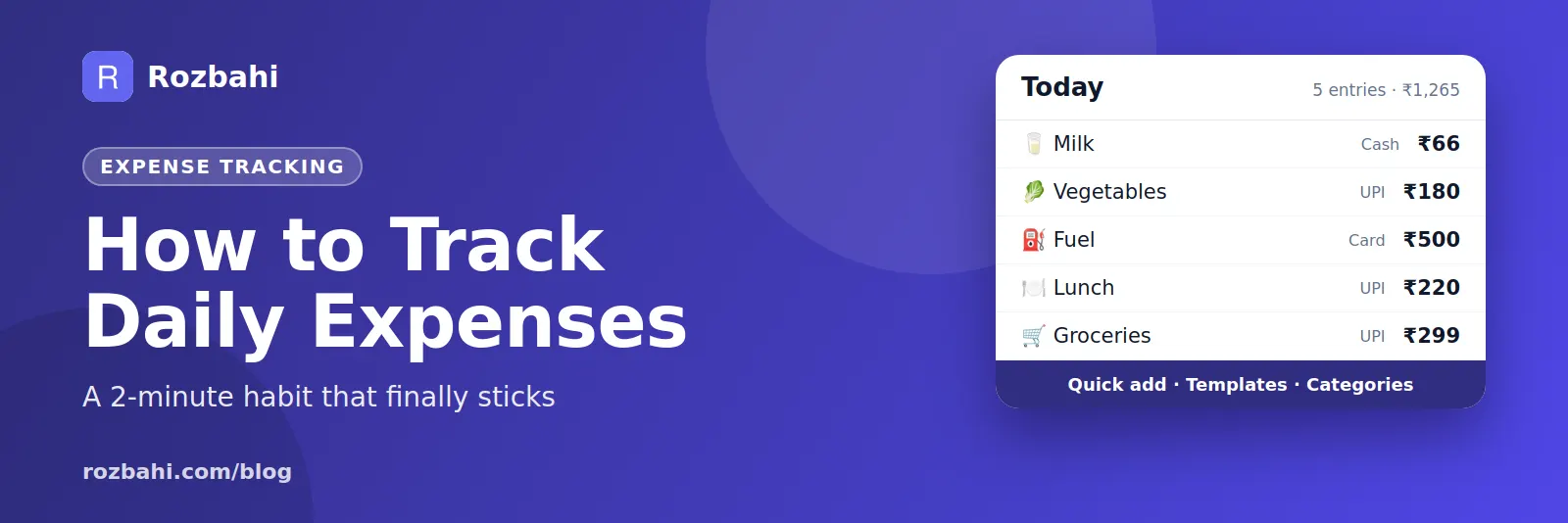
- Use shortcuts for repeats. Milk, bus fare and lunch happen almost every day. A one-tap template for each removes most of the typing.
- Note how you paid. Cash, UPI or card. Cash is the easiest to lose track of, so tag it when you spend it.
Step 2: Use a small set of clear categories
Start with ten to fifteen categories you can choose without thinking. A practical household set looks like this:
- Milk & dairy, groceries, vegetables, fruits
- Food & dining, shopping, entertainment
- Transport, fuel
- Bills & utilities, rent
- Health, education
- Other
If "Other" grows beyond about 10% of your spending, look at what is inside it and add one new category. Do not add categories in advance "just in case".
Step 3: Put fixed bills on repeat
Rent, internet, school fees and subscriptions are the same every month. Typing them each time is wasted effort, and forgetting one makes your totals wrong. Set them up once as recurring entries so they appear on their due date. Then your daily tracking only has to handle the variable spending.
Step 4: Review once a week, not every day
Daily capture, weekly review. Ten minutes on a Sunday is enough:
- Fill the gaps. Check your UPI history and wallet for anything you missed.
- Look at the top three categories. Where did most of the money go?
- Compare with last week or last month. One number going up is more useful than ten numbers staying flat.
- Pick one change for next week. "Cook at home twice more" beats "spend less".
Step 5: Set a budget only after a month of data
It is tempting to start with a budget. Wait. After four weeks of honest tracking you will know what you actually spend, and a budget based on real numbers is one you can keep. Our guide to a monthly household budget walks through it category by category.
Paper, spreadsheet or app?
Any method works if you use it. In practice:
- A notebook is quick to start, but totals and comparisons are manual.
- A spreadsheet gives you control, but it is awkward on a phone at the shop counter.
- An expense tracker app is on you when you pay, adds up totals for you, and shows trends without formulas.
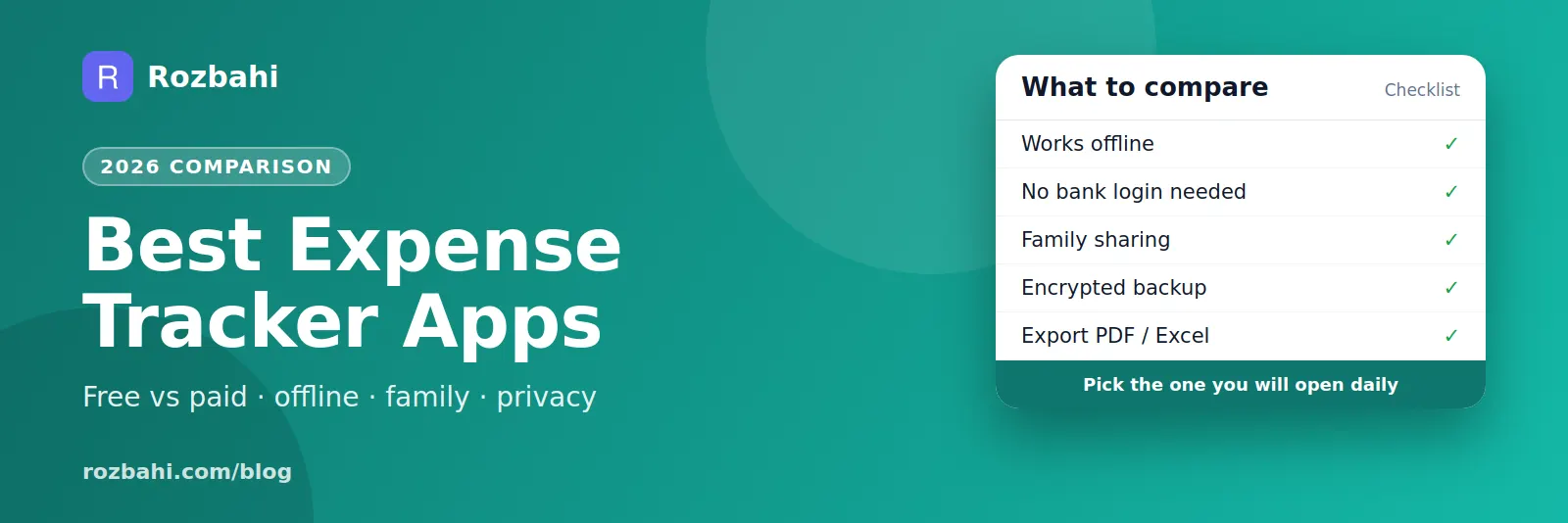
If you are choosing an app, our comparison of the best expense tracker apps lists what to look for.
What a tracked week looks like
Here is a real-looking example of one person's first week, so you can see how little effort it takes:
- Monday: milk ₹66, bus ₹40, lunch ₹180, vegetables ₹120 — four entries, under a minute in total.
- Tuesday: milk ₹66, bus ₹40, mobile recharge ₹299 — the recharge was nearly forgotten, logged at night from UPI history.
- Wednesday: milk ₹66, bus ₹40, coffee ₹150, groceries ₹890.
- Thursday to Sunday: the same pattern, plus a dinner out (₹1,200) and a weekend shopping trip (₹2,300).
At the end of the week the review takes five minutes. The surprise is rarely the big items. It is the coffee and snack line, which came to ₹980 across seven days — about ₹4,000 a month. That single insight is worth more than a perfect spreadsheet.
How to build the habit in 21 days
Habits form when an action is attached to something you already do. Three anchors work well for expense tracking:
- Right after paying. The phone is already in your hand for UPI; open the tracker before you put it away.
- At a daily fixed moment. Pick one: after dinner, or while waiting for the kettle in the morning. Spend 60 seconds adding anything you missed.
- On a weekly fixed day. Sunday evening for the review, the same time every week.
Give yourself three weeks. The first week feels like effort, the second like routine, and by the third you will notice when you have not logged something.
Tracking income as well as expenses
Expenses alone tell you where money went. Adding income — salary, freelance payments, rent received, cash gifts — tells you whether the month was a surplus or a deficit. You do not need to track income daily; one entry when money arrives is enough. At month end, income minus expenses is the number that matters most: it is how much you actually saved.
Mistakes that make tracking useless
- Logging round numbers from memory ("about ₹500 on food") instead of real amounts.
- Counting transfers as spending. Moving money to your savings account or paying a credit card bill is not an expense; the purchases on the card already were.
- Double counting shared costs. If a friend pays you back, record your real share, not the full bill.
- Changing categories every month, which makes month-to-month comparison impossible.
- Only reviewing when things go wrong. A good month deserves a look too: it shows you what worked.
How to do this in Rozbahi
Rozbahi is built around this exact routine:
- Quick add: enter the amount, pick a category and save. Fourteen everyday categories (milk, groceries, vegetables, fuel, rent, bills and more) are ready from the start, and you can add your own.
- Templates: save "Milk ₹66" or "Bus ₹40" as a quick-add chip and log it with one tap.
- Recurring bills: set rent or Wi-Fi once, monthly or on any cycle. Choose whether Rozbahi adds it automatically or asks you to confirm.
- Payment method: tag each entry as cash, UPI or card.
- Monthly report: totals, a breakdown by category and by day, top shops, your daily average and the change from last month.
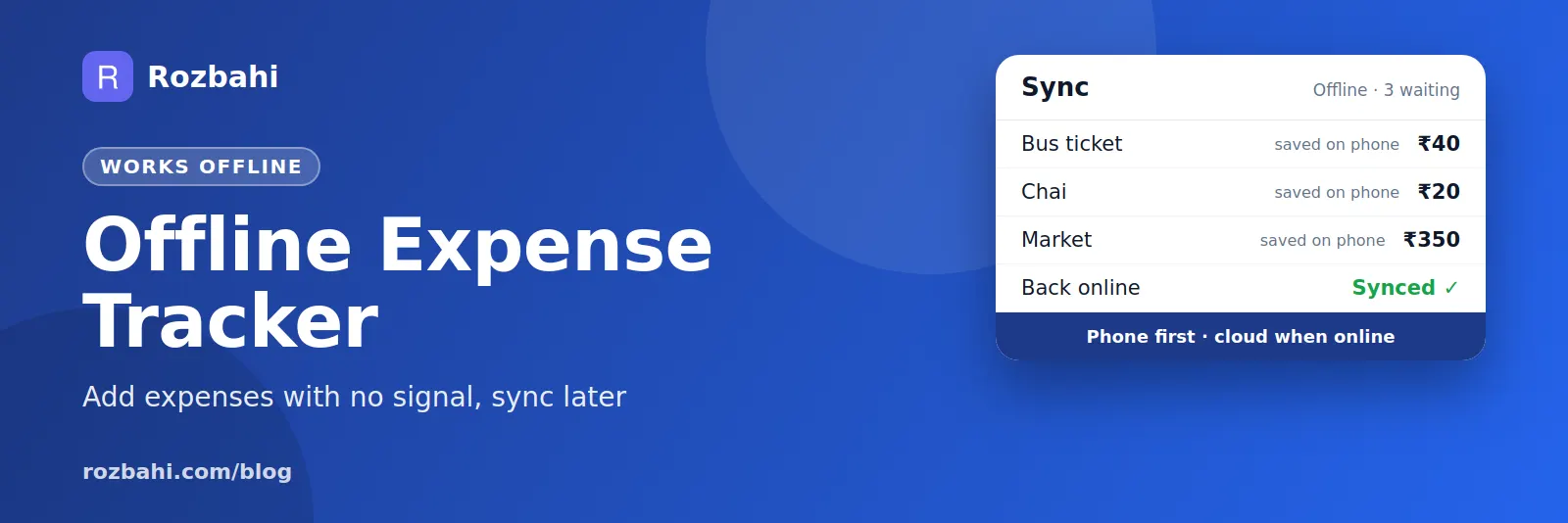
It works without internet and syncs when you are back online, so you can log a spend even in a basement shop with no signal.
Frequently asked questions
How long does it take to see results from tracking expenses?
Most people spot at least one surprise within two weeks, usually food delivery, small daily snacks or subscriptions. A full month gives you enough data to set a realistic budget.
Should I track cash and digital payments separately?
Track them in one place, but tag the payment method. That way your totals are complete and you can still see how much went out in cash.
What if I miss a day?
Do not try to rebuild it from memory in detail. Check your UPI and bank history, add what you can, put any unknown cash under "Other", and carry on. Consistency matters more than perfection.
Do I need to track every small expense?
Yes, for the first month at least. Small, frequent spends add up quickly, and they are usually where the easiest savings are.
Start today: download Rozbahi and log your next expense in under ten seconds.
Go deeper: Guide: how to track daily expenses · Feature: daily expense tracker